Editor’s Pick
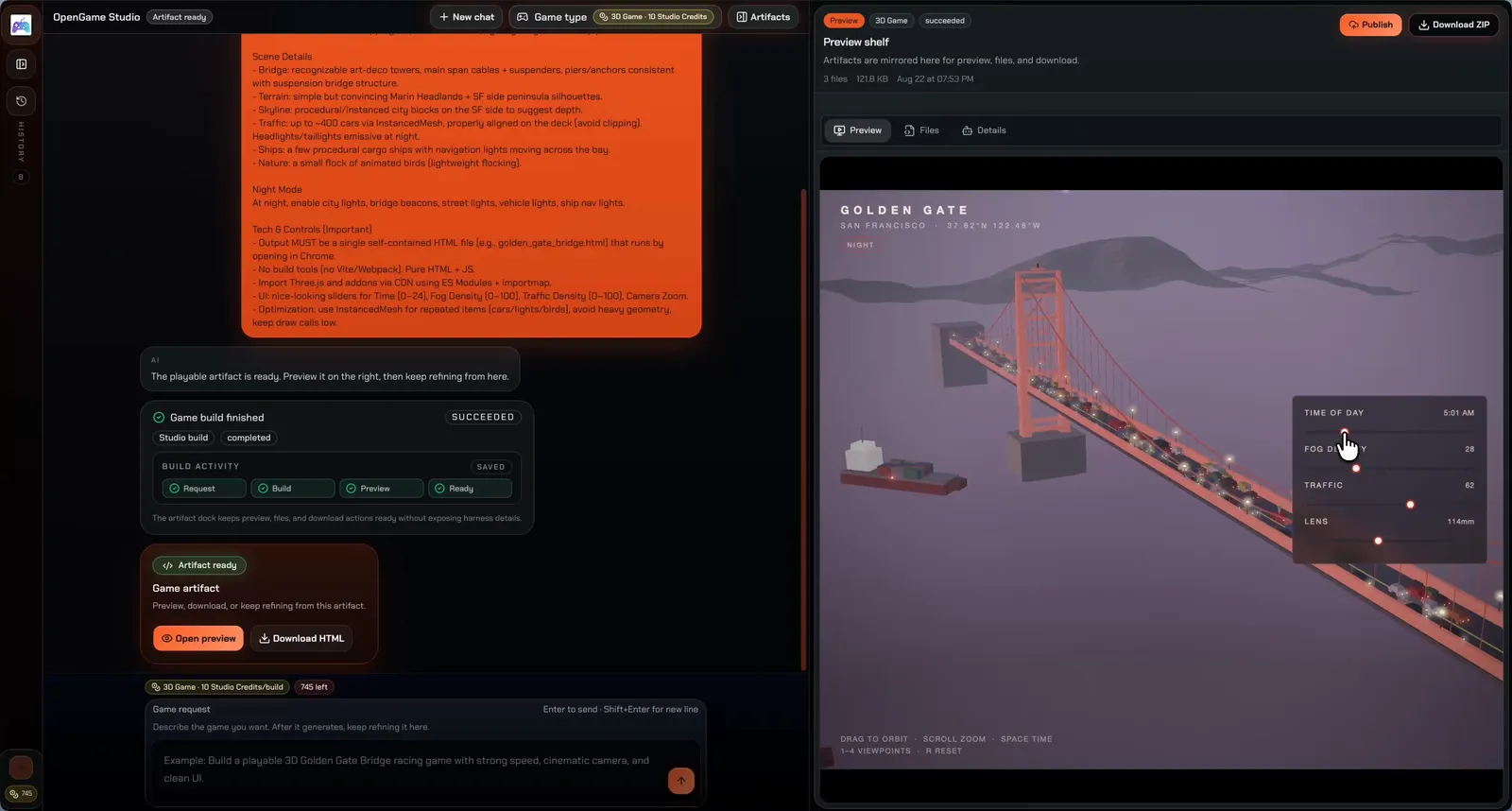
Your AI game agent for HTML5 and 3D games. Describe an idea, then plan, build, and refine it in Studio.
Featured
Play a featured browser game, then explore what you can create with the OpenGame AI game maker.
Independent game builds
Play original browser games with deeper gameplay and distinct worlds.
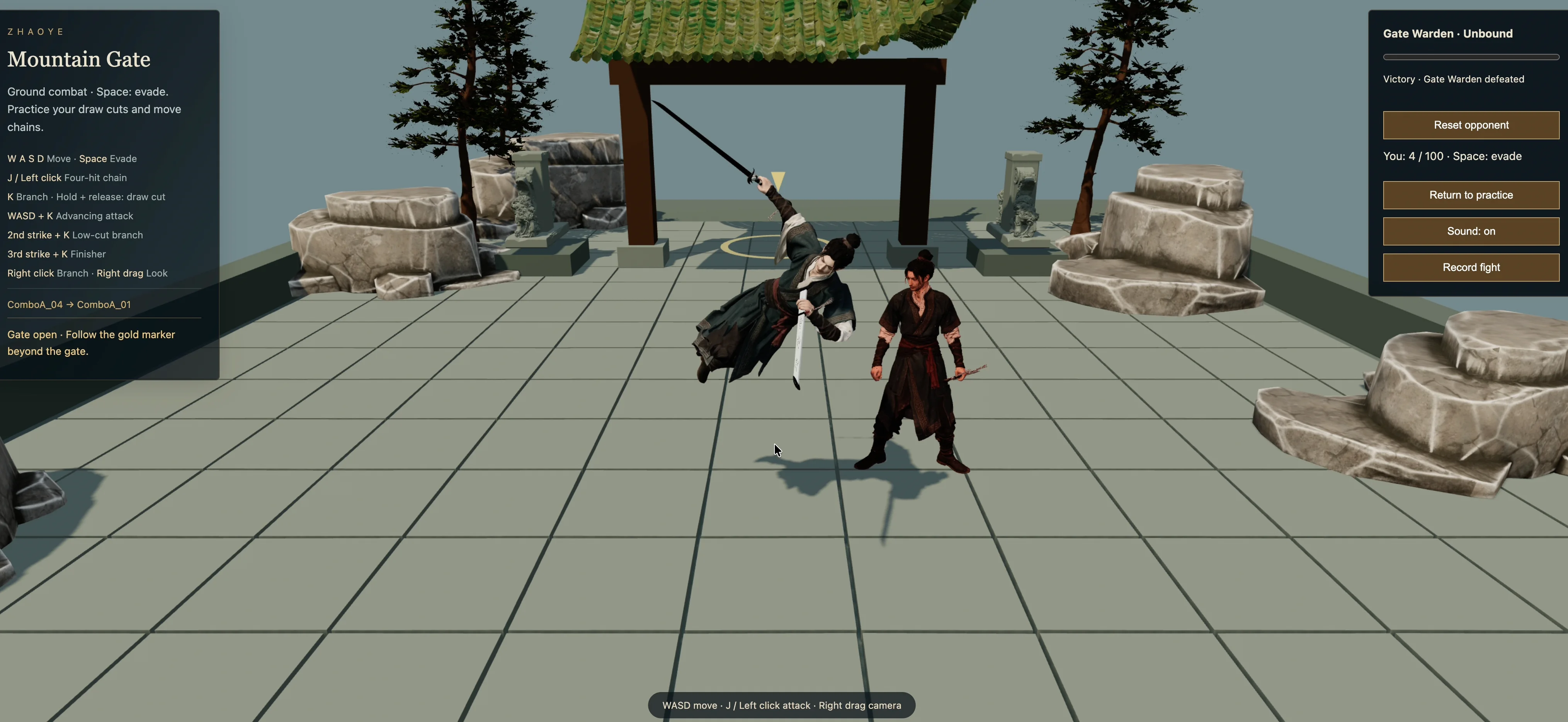
Wuxia · Single-stage demo · Desktop
Draw your blade, chain attacks, and challenge the Gate Warden. A playable wuxia case study combining AI asset exploration, Blender work, and Three.js development.
Made with OpenGame
Discover playable games made by creators with AI.
Editor’s Pick
Editor’s Pick
Editor’s Pick
Latest releases
View all games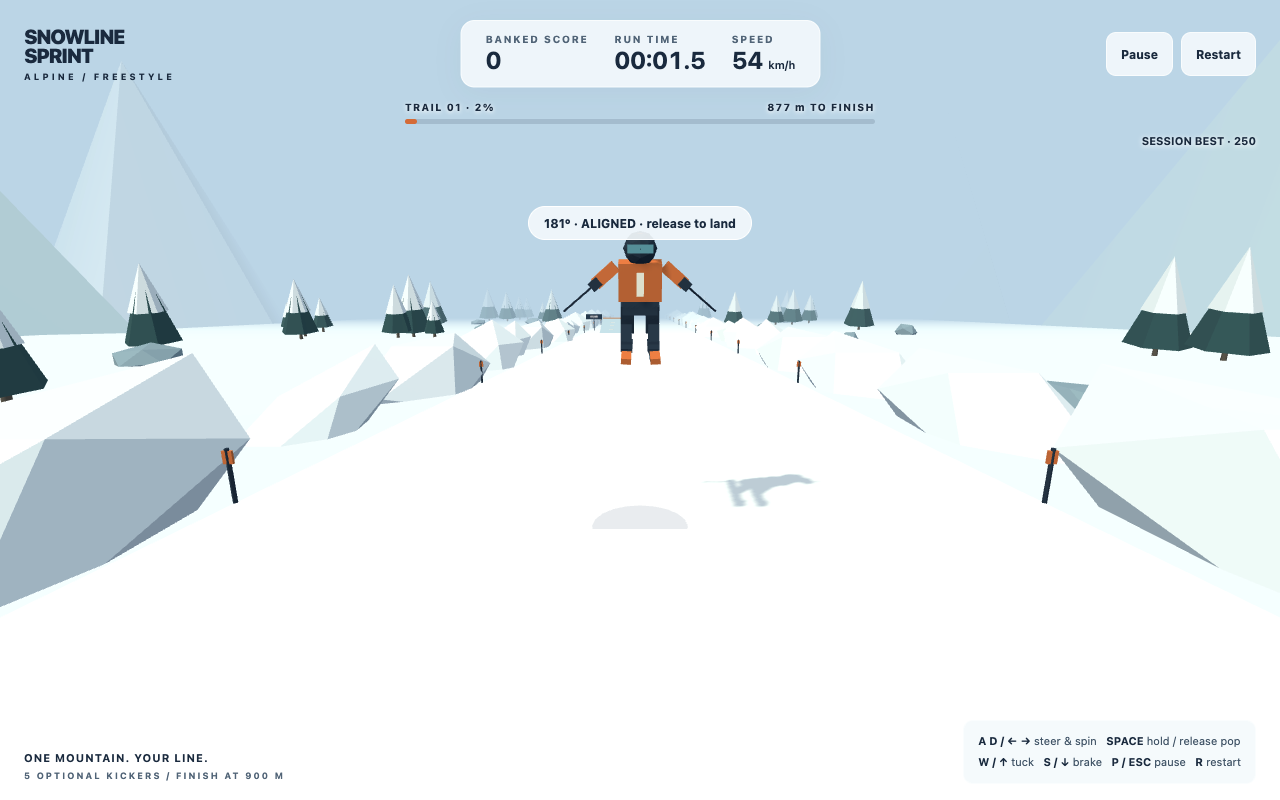
Play Snowline Sprint, an original 3D skiing game with a 900 m trail, optional jumps, landed spin scoring, keyboard and touch controls, and quick retries.
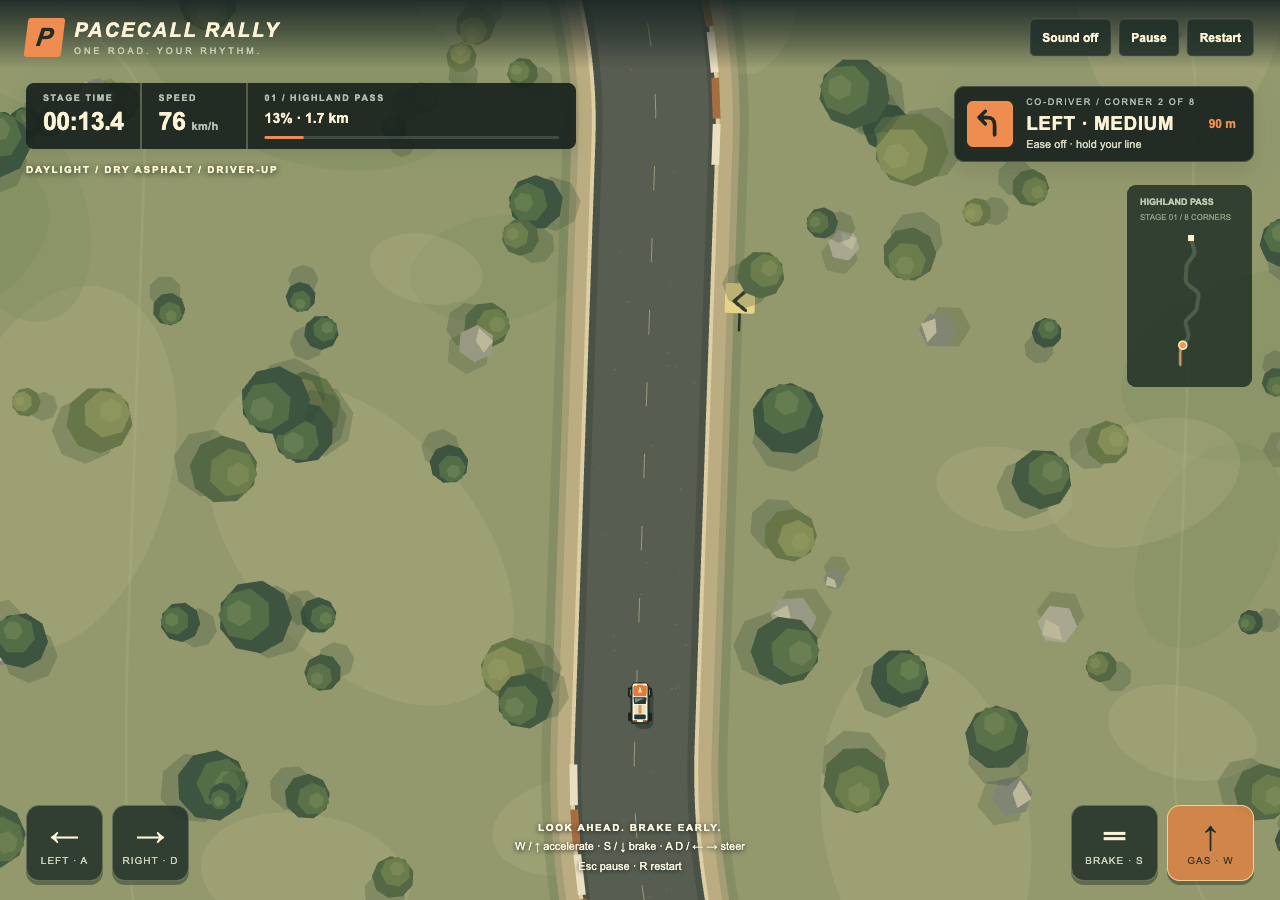
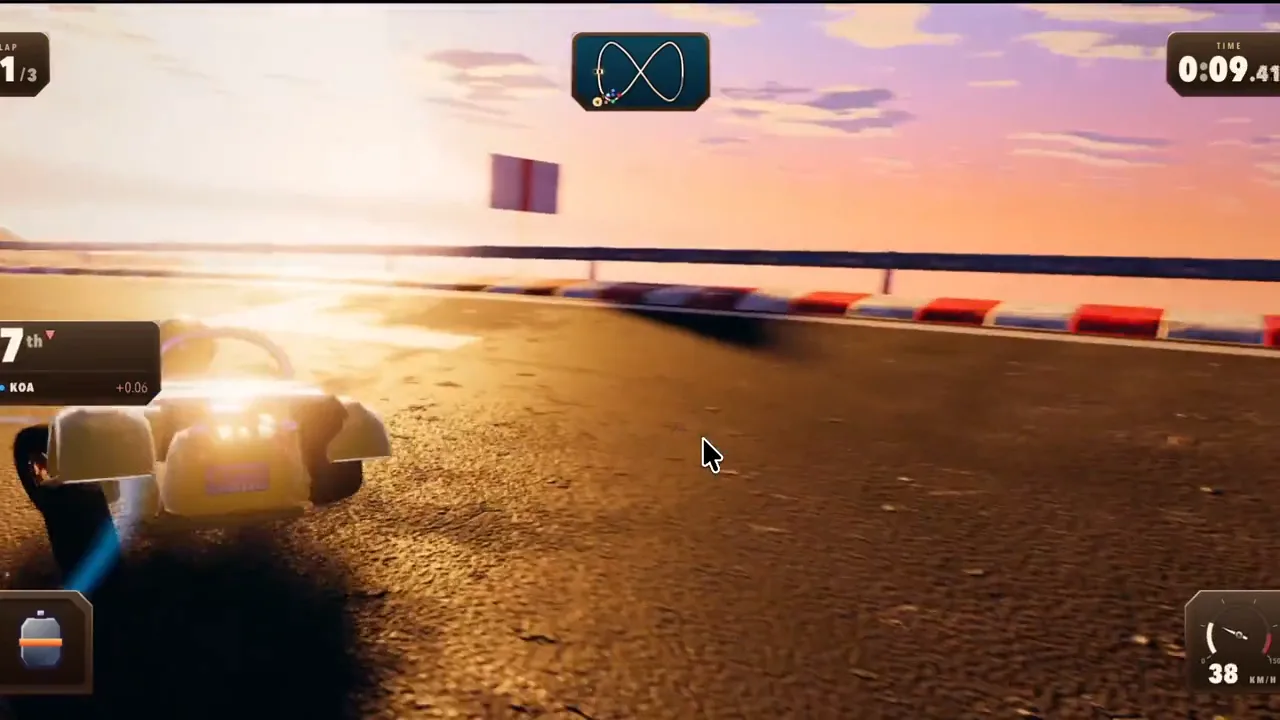
An original single-stage browser rally sprint: read the co-driver cues, brake before eight bends and chase a cleaner time through Highland Pass. Procedural artwork, keyboard and touch controls. Built and playtested in OpenGame Studio. Independent of Backseat Rally and Roblox.
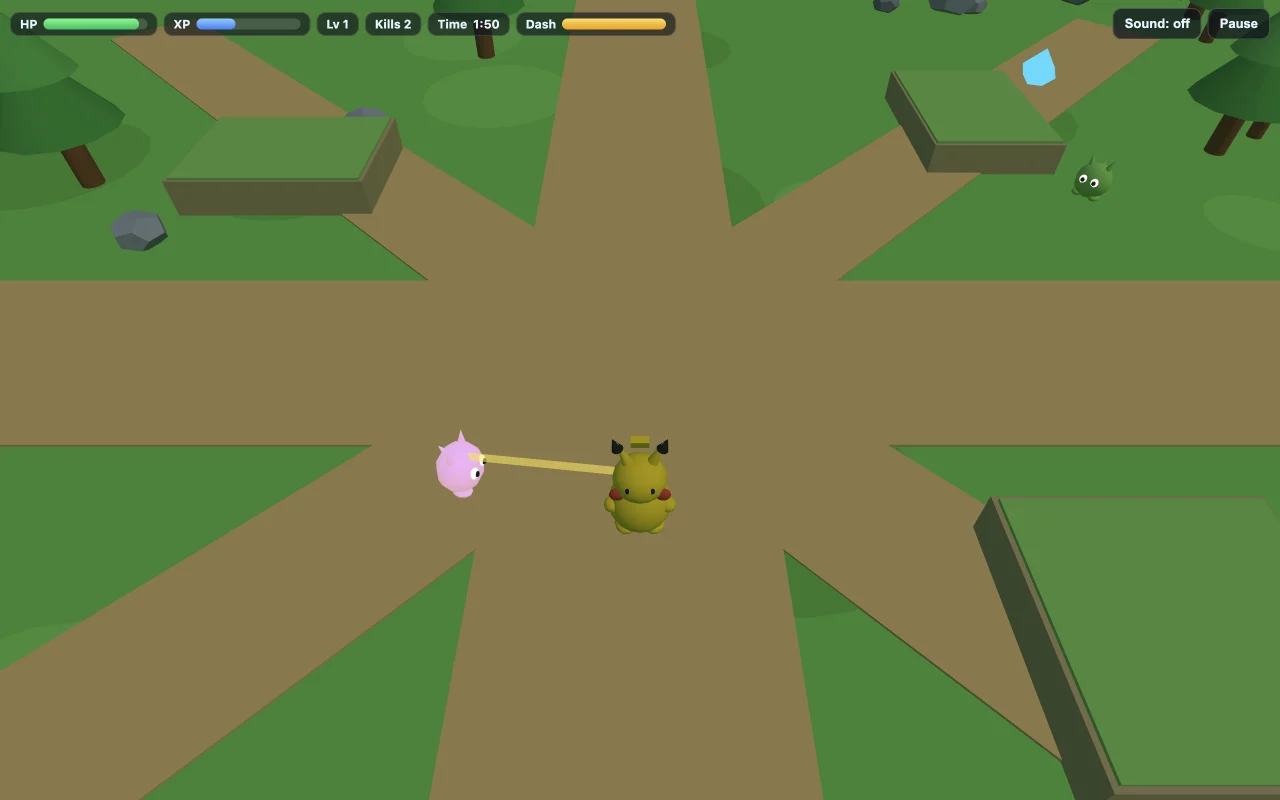
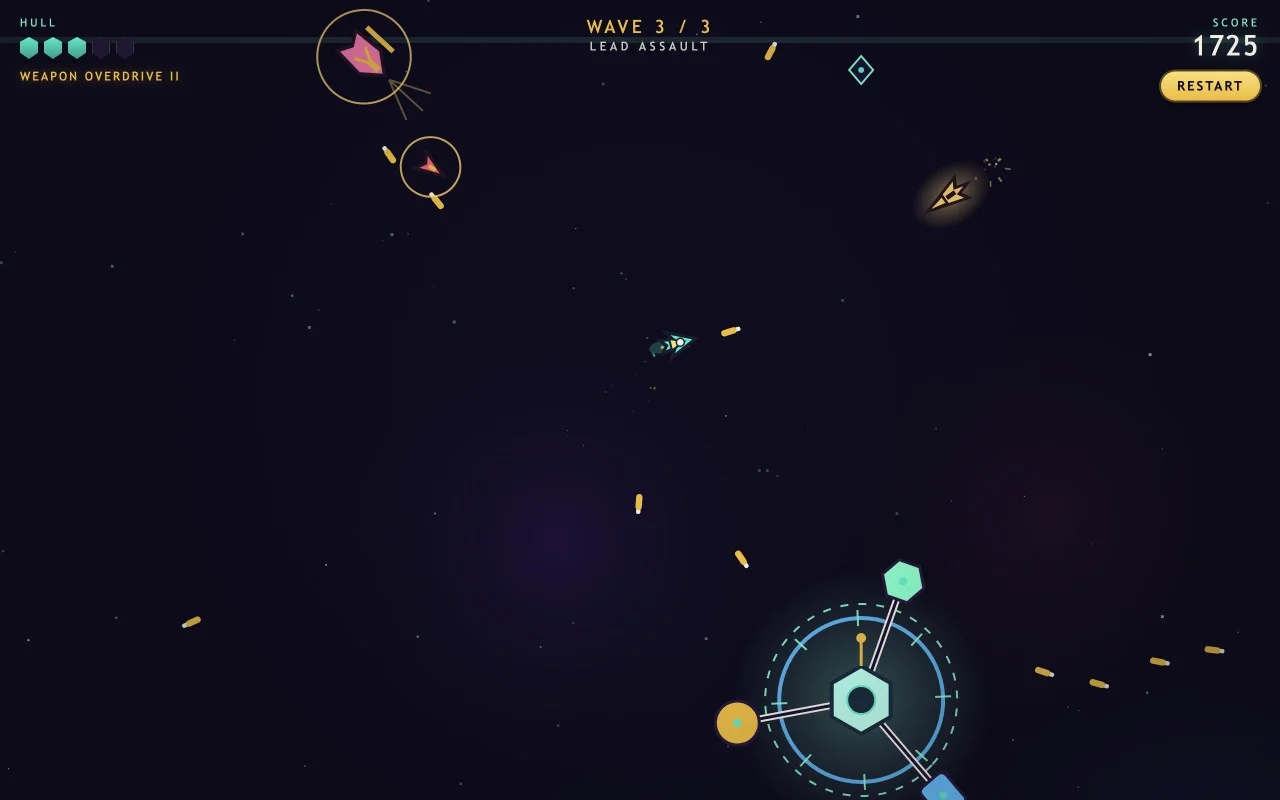
An unofficial OpenGame fan adaptation inspired by PokeBonk. Choose a Pokemon starter, dodge enemy waves, collect experience and select upgrades before the stone golem boss arrives.
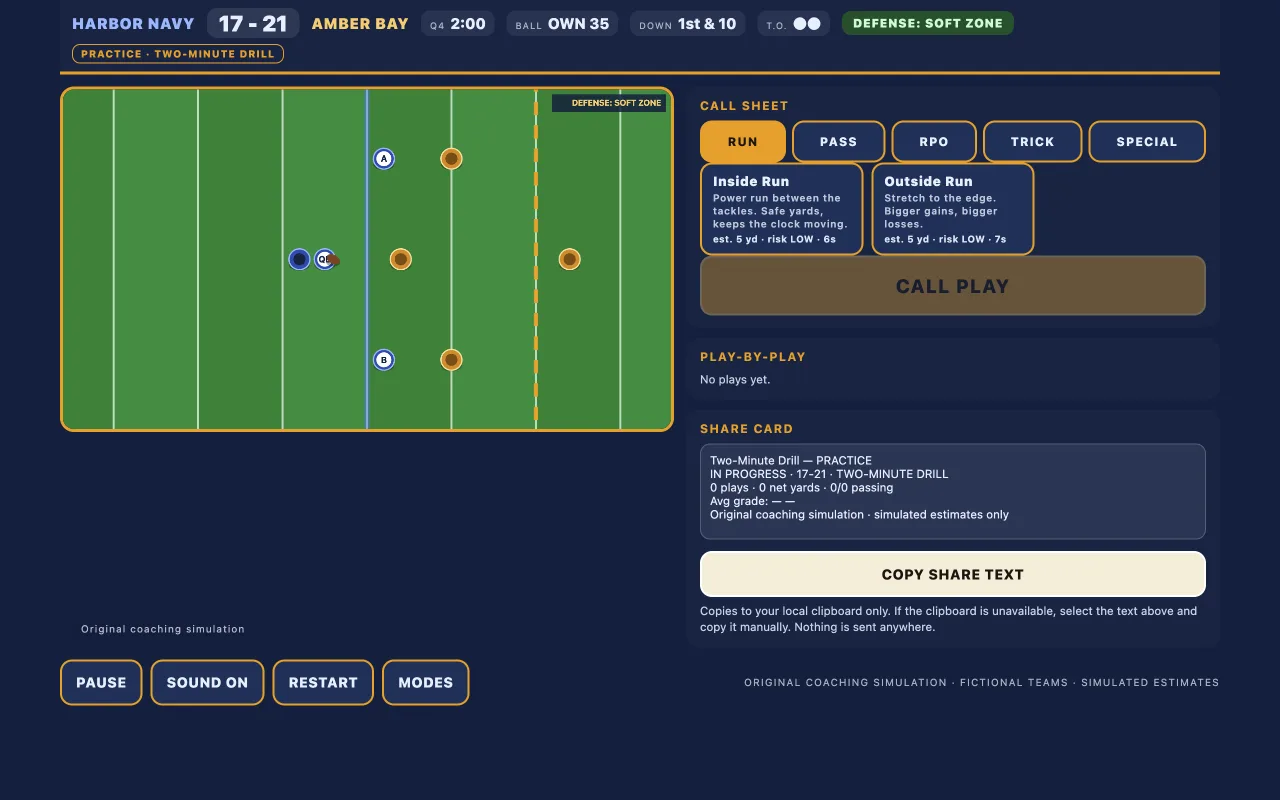
Take the coach's seat in Two-Minute Drill. Read the defense, call Run, Pass, RPO or Trick plays, and manage the clock in Daily, Practice and Survivor challenges. An original OpenGame football coaching simulation.
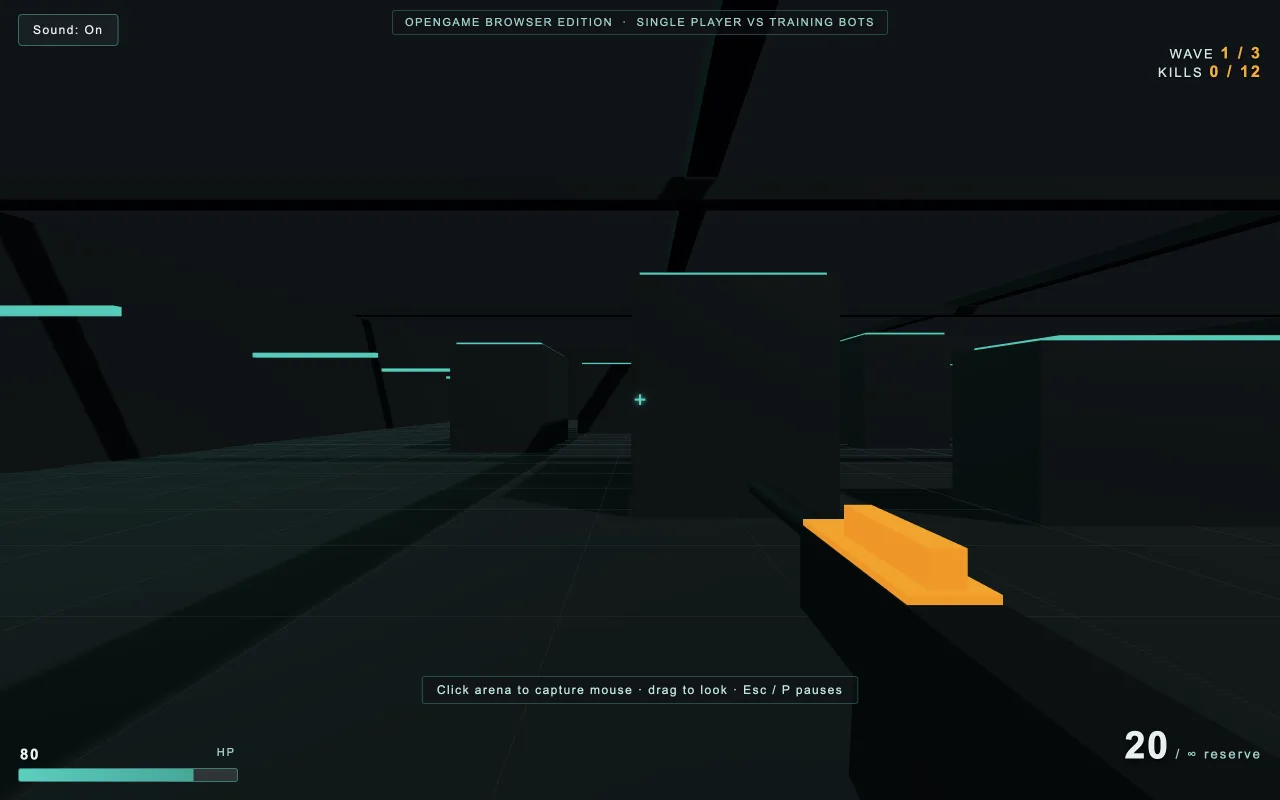
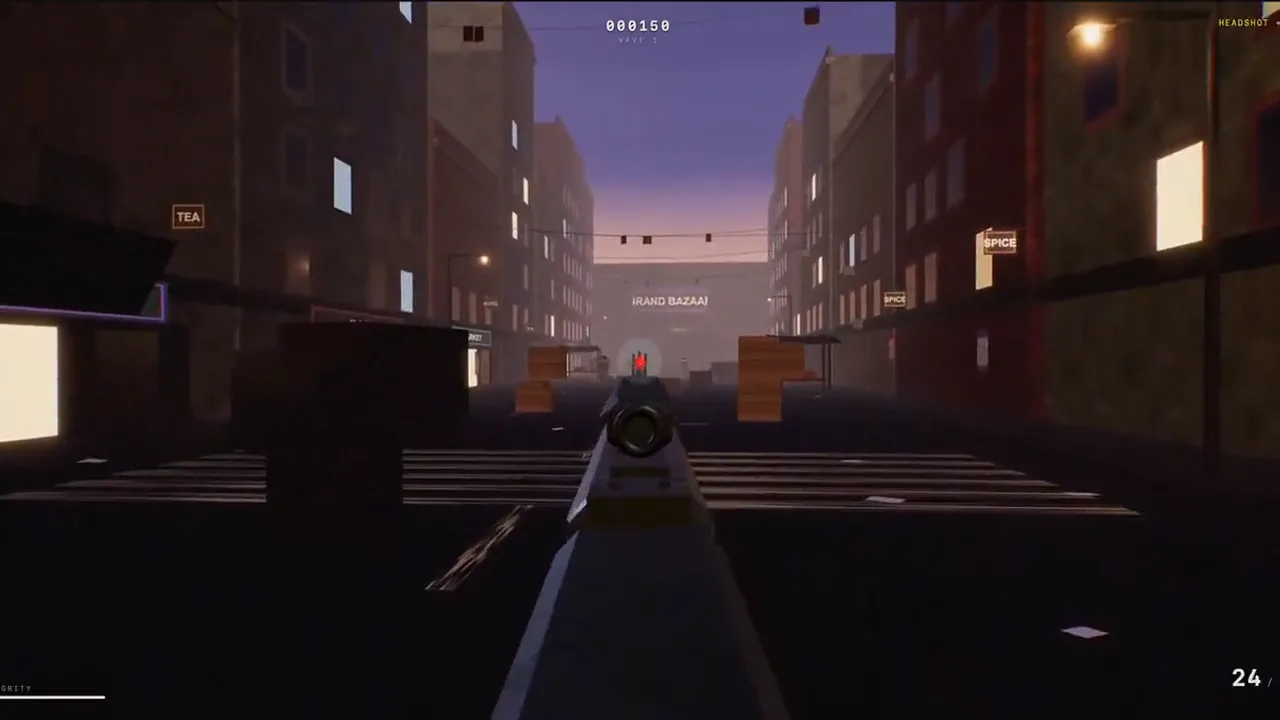
Play Counter Flame, an original single-player browser FPS. Fight training bots across three waves, use cover to block fire and time your 20-round reloads. Includes keyboard, mouse and landscape touch controls.
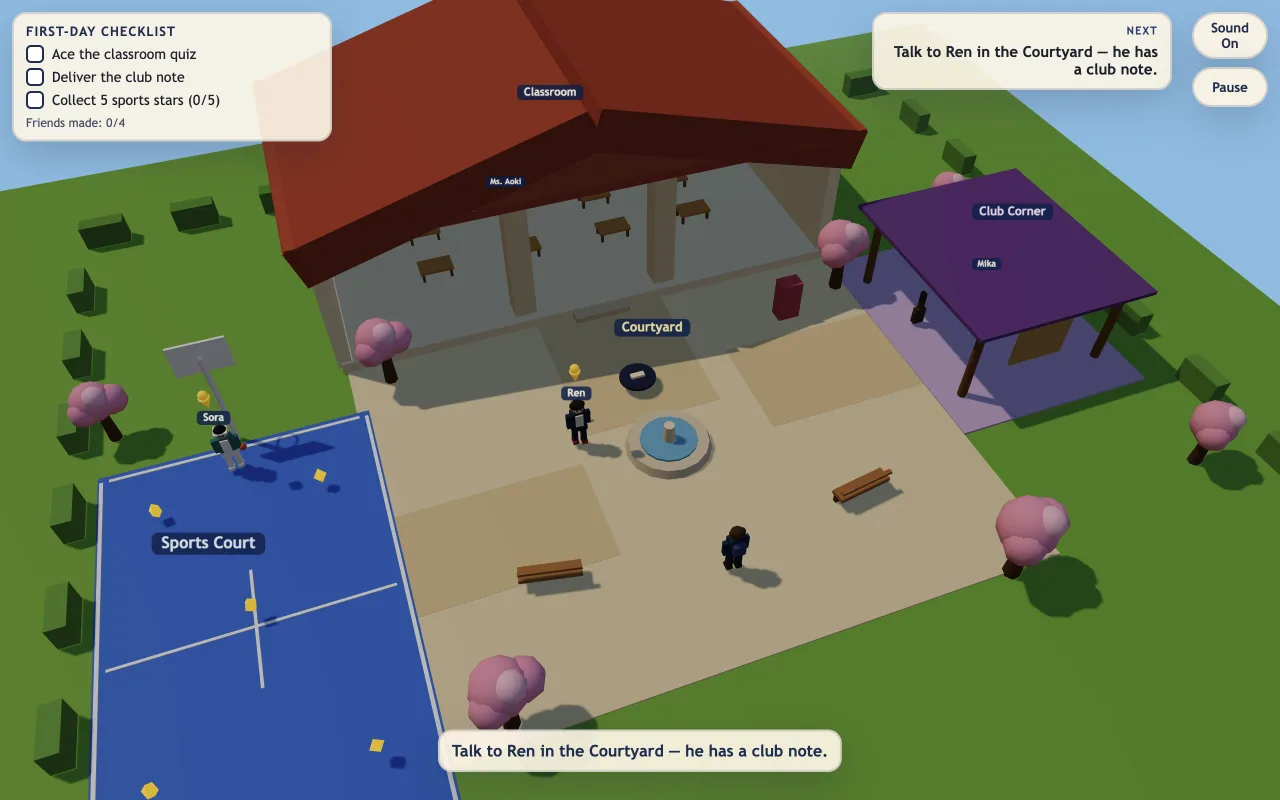
An unofficial OpenGame school-life browser adventure. Explore an original 3D campus, meet students, complete a classroom quiz, deliver a club note and collect sports stars.
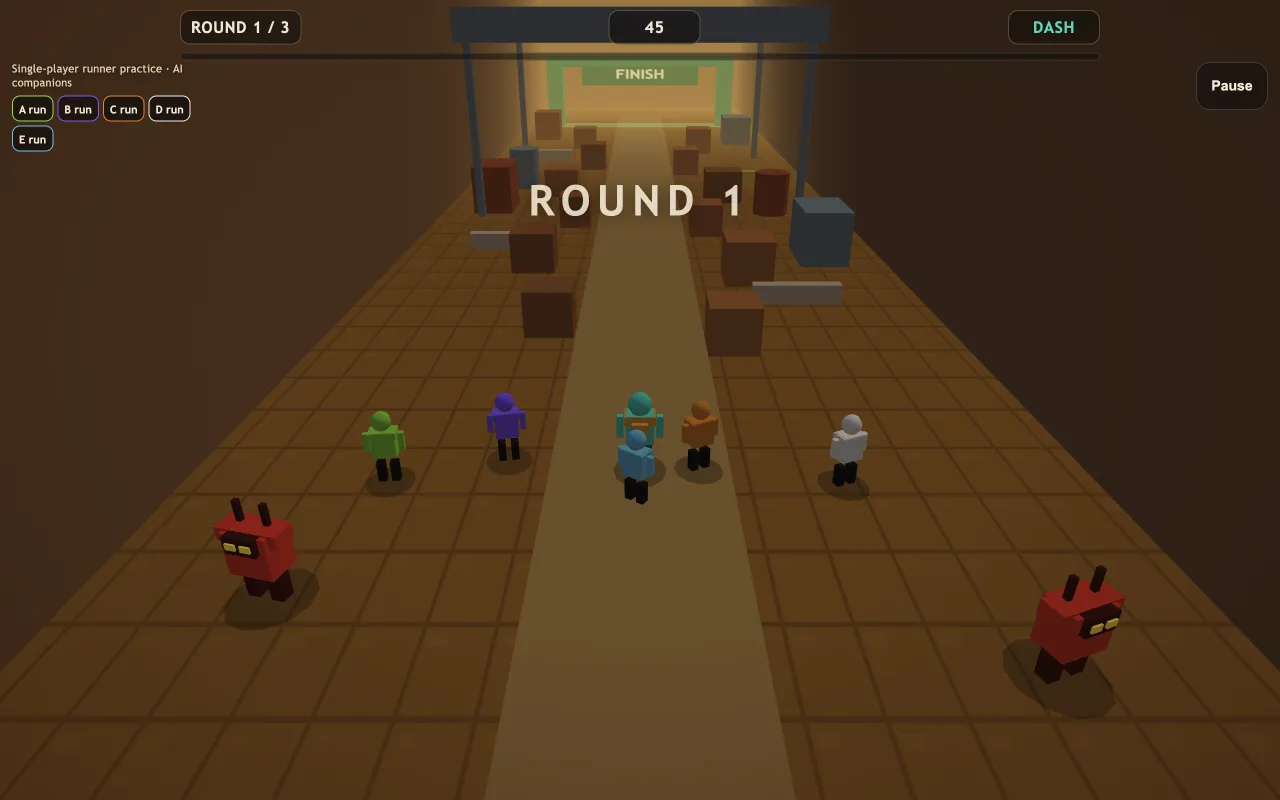
An original, unofficial single-player runner practice. Cross three industrial-valley rounds with five AI companions; captured companions join the catcher side next crossing.
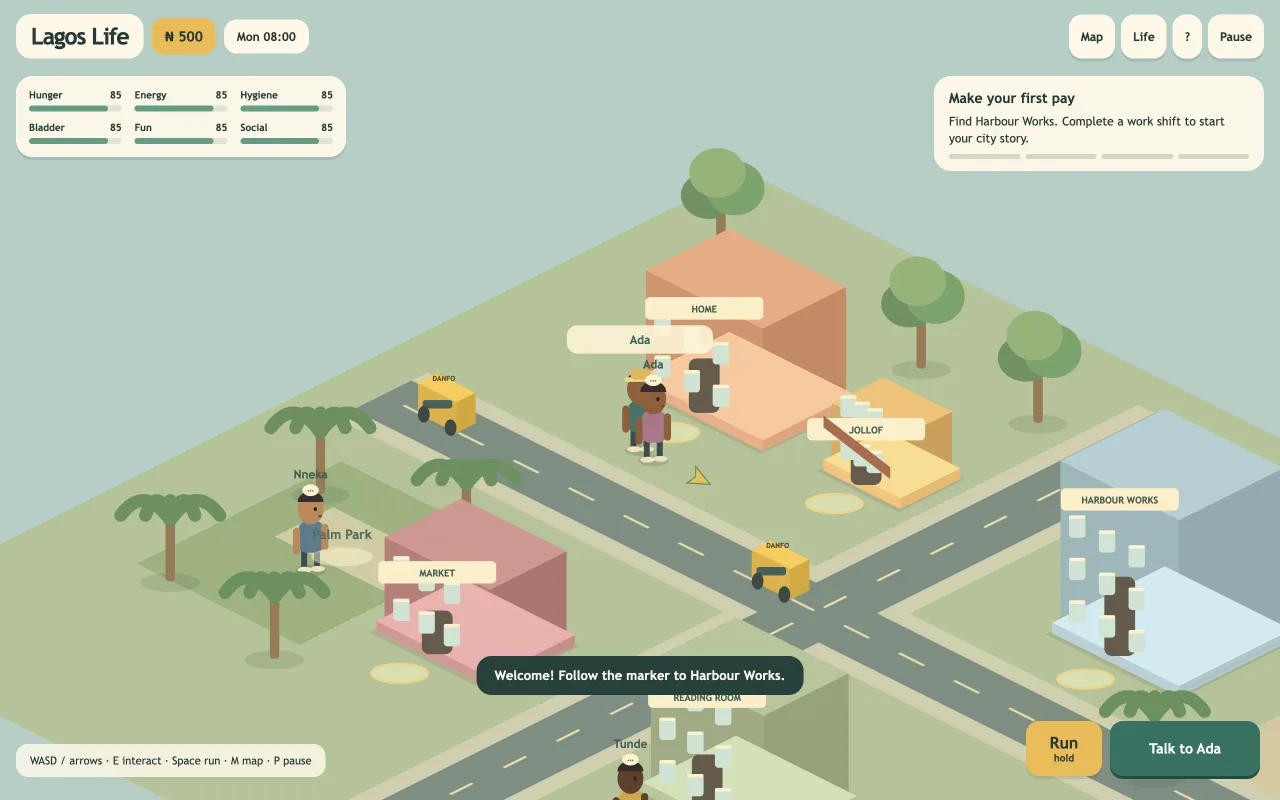
Build a little life in an original Lagos-inspired city. Earn wages, meet neighbours, furnish your apartment and look after six needs before Saturday rent is due. A single-player isometric browser game with keyboard and touch controls.
Independent game builds
OpenGame’s independent wuxia project brings together GPT-6 Astra, Meshy experiments, and Blender modeling. Follow the journey from character art to a playable boss duel. Chain sword combos, dodge the Gate Warden, and fight your way through the mountain gate.
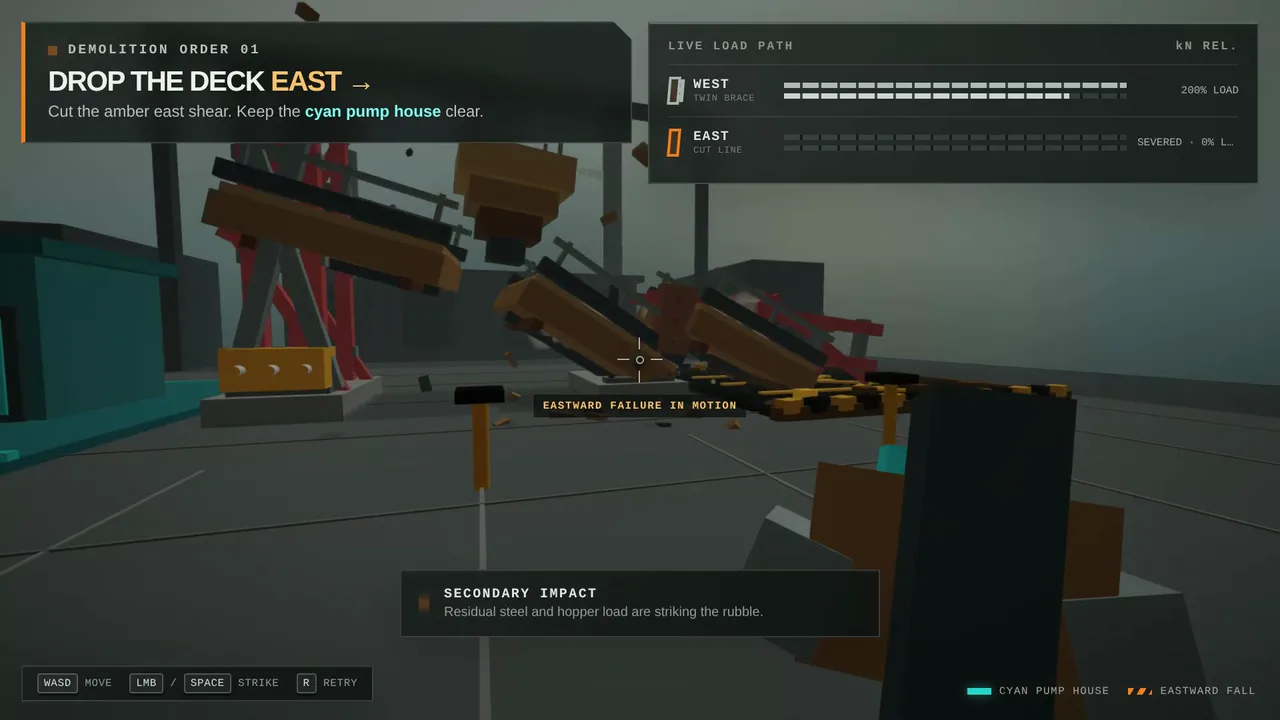
Choose a support, trigger the collapse, and reach the target safely in this 3D demolition game. Across 3 contracts, steer falling debris into the target zone, protect nearby structures, and get clear before impact.
Refine your game with the OpenGame AI game agent, then download playable HTML or a 3D project ZIP.
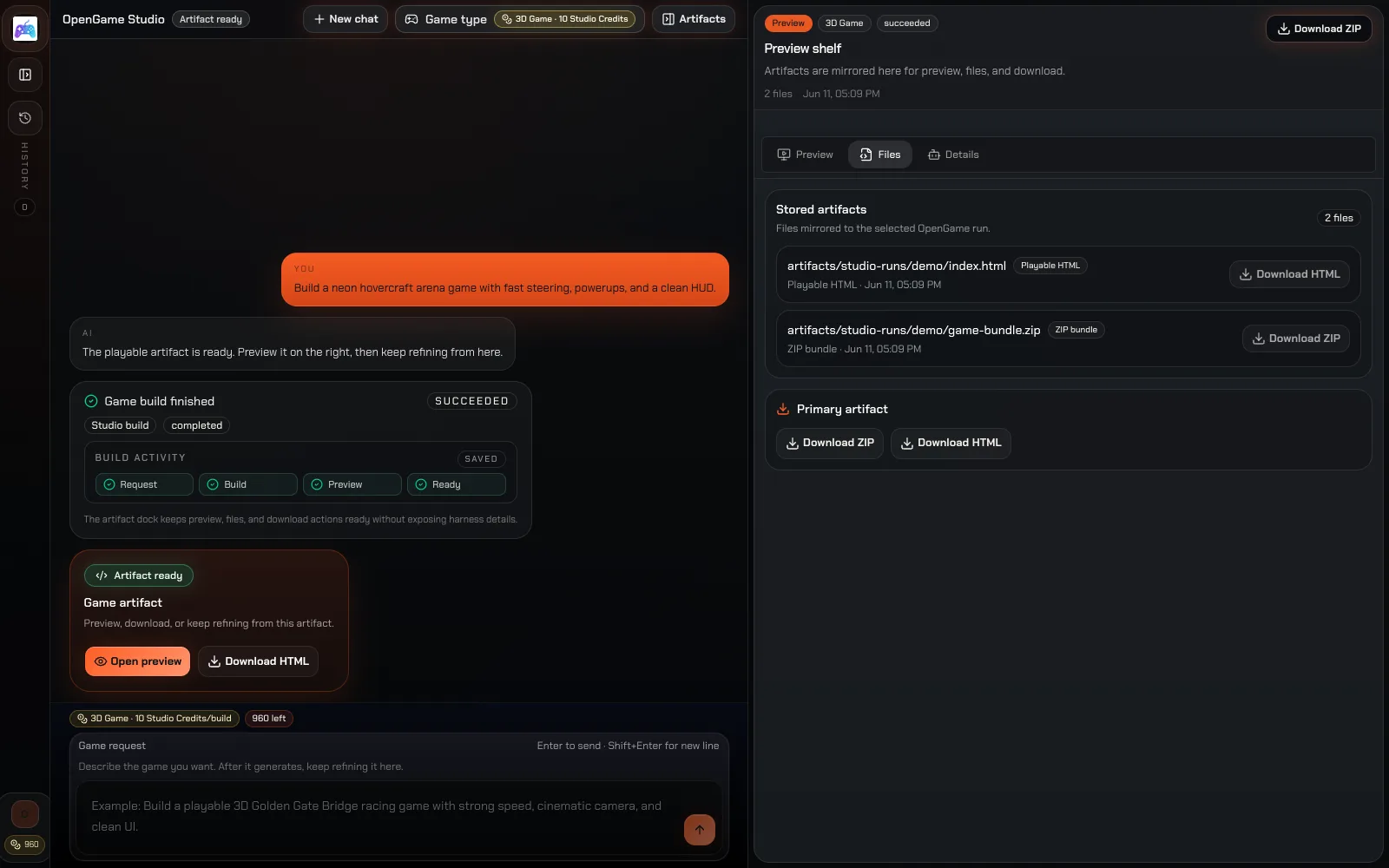
AI Game Agent
Bring your idea to life with the OpenGame AI game agent. Create HTML5 or 3D games in Studio, then playtest and refine the result.
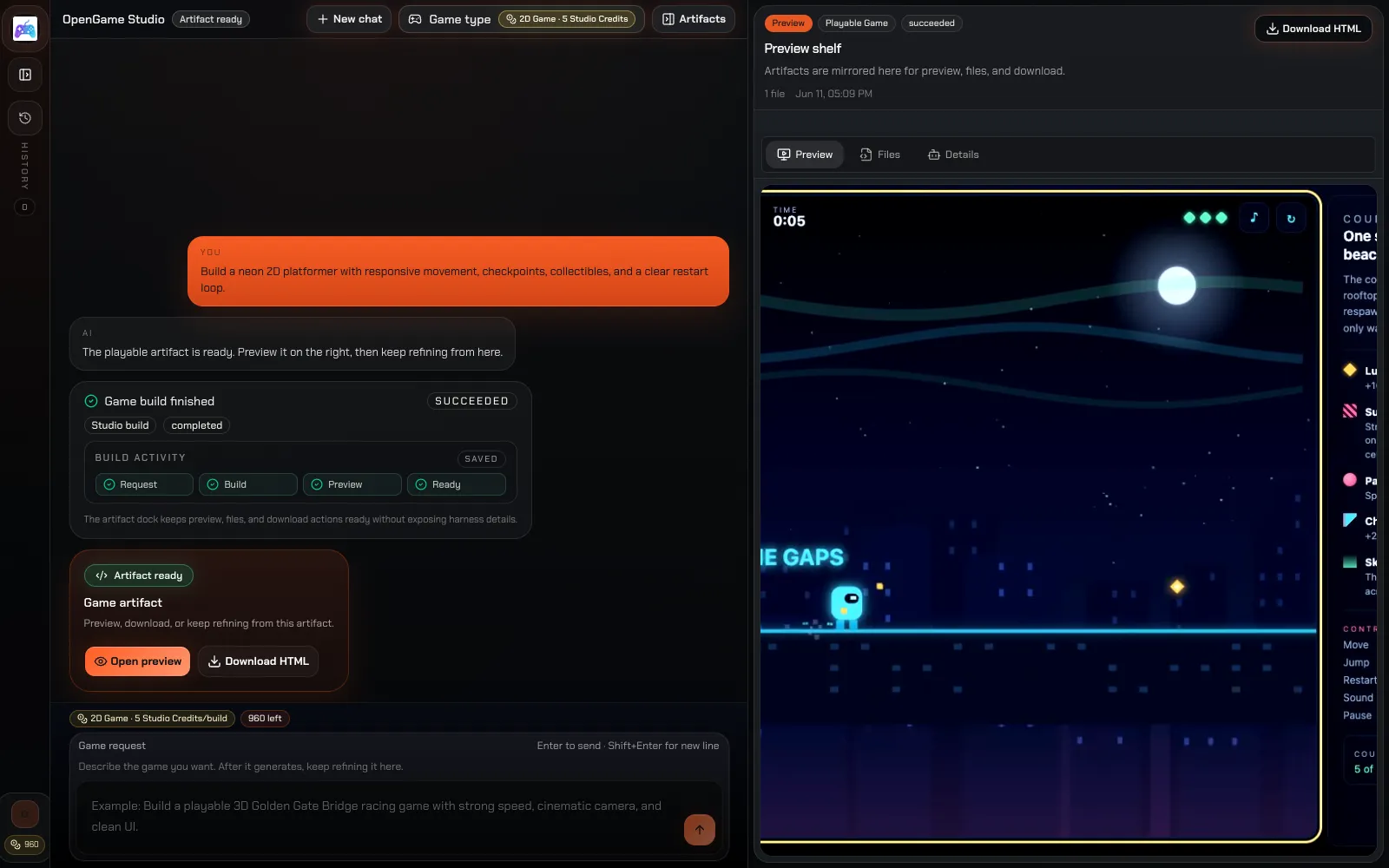
Turn your 2D game idea into a playable HTML5 prototype, then refine the controls and gameplay in Studio.
Build a 3D browser game, explore the playable preview, and download the project to keep working on it.
Explore platformers, puzzles, and racing games to find mechanics and inspiration for your next project.
Start creating
Plan for free · 10 credits per generation · Play and download included
Start with one game idea and shape a playable prototype.
Pay once, with no automatic renewal. Your credits stay available until you use them.
Make room for playtesting, revisions and more ideas.
Pay once, with no automatic renewal. Your credits stay available until you use them.
For creators exploring several projects and more iterations.
Pay once, with no automatic renewal. Your credits stay available until you use them.
Before you build